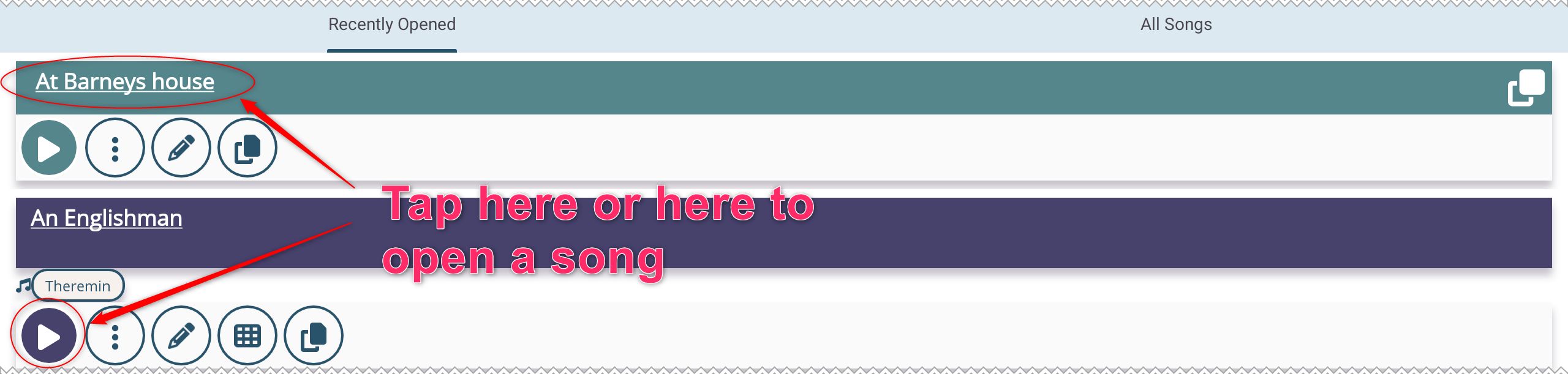
Finally the most important step - Open and play a song
To open a song, tap on the song title in the song list or the play button  .
.
Opening a set works the same way. Tap on the set title or the play button to start playing the set.
This concludes the tutorial on managing your library. You are now ready to open and play your songs and sets.
Follow our next tutorials to learn how to make the most of Five Lines while playing your songs.