Count-In
To make sure you start on the right beat and tempo, you can use the count-in feature of the metronome.
- When you start the metronome by tapping on play
 the Get Ready... dialog opens. (If you have chosen not to show this dialog, you can bring it back by tapping and holding the play button.)
 - Here you can enter the number of count-in strokes.
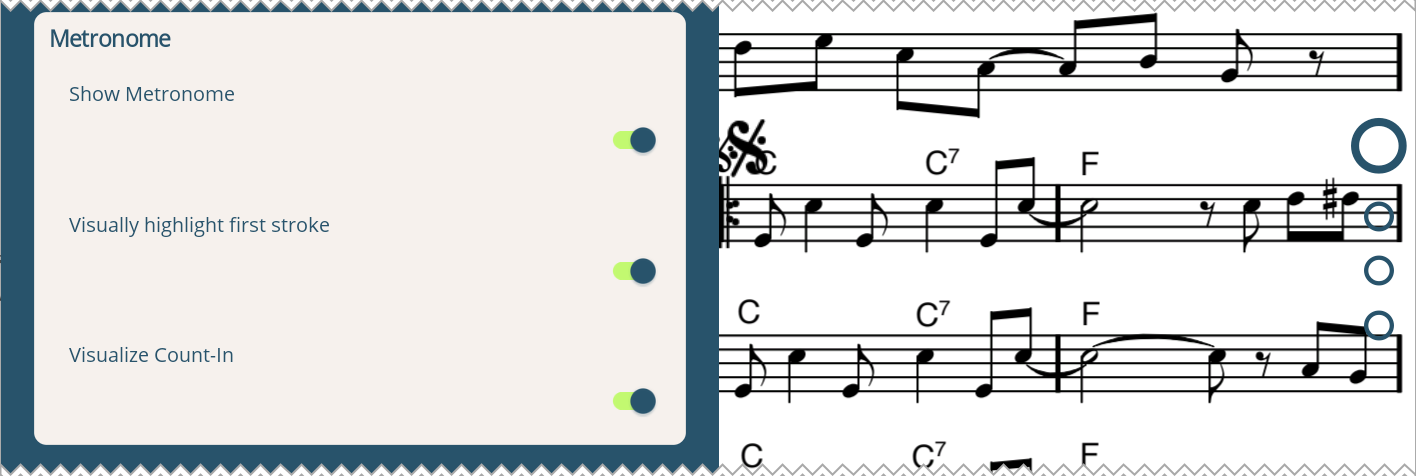
In the view settings  you can also choose to visualize the count-in. In that case the number of each stroke will flash shortly.
Emphasize the first stroke
You can emphasize the first stroke of the metronome to highlight the downbeat both visually and audibly.
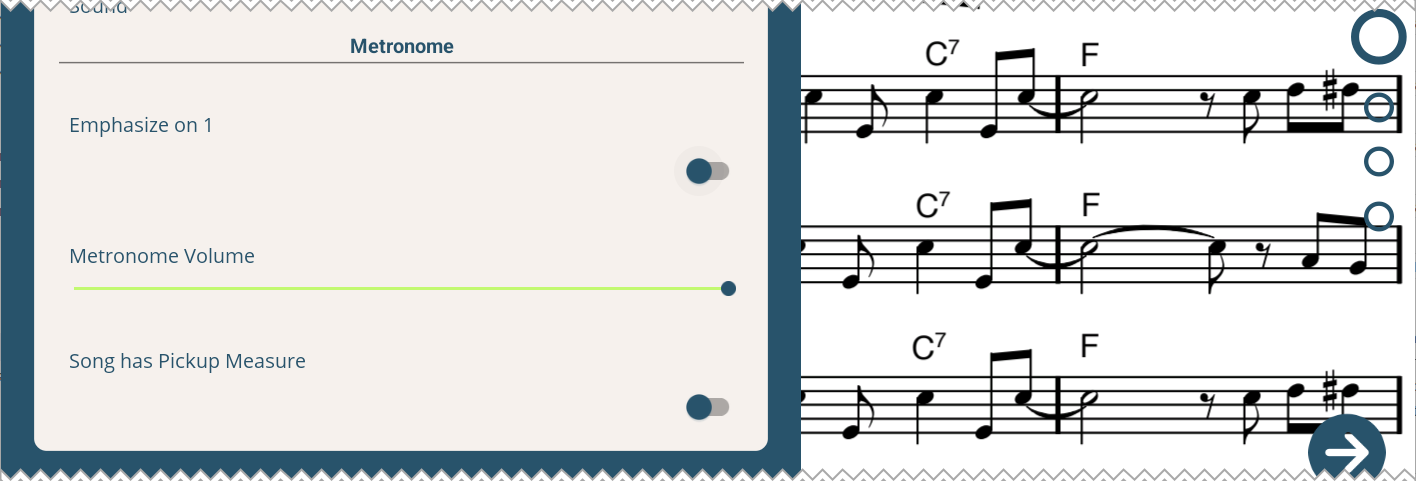
- To emphasize the first stroke audibly, enable the corresponding setting in the Basic Settings

- To emphasize the first stroke visually, enable the corresponding setting in the View Settings
Turn off the metronome quickly
You can quickly turn off and on both the visual and audible metronome by tapping the metronome button  in the lower toolbar.
To only turn off the audible metronome, open the Basic Settings and turn down the metronome volume.
To only turn off the visual metronome, open the View Settings and disable the visual metronome. You can also just swipe the visual metronome to the right.
Starting the metronome on a microphone signal
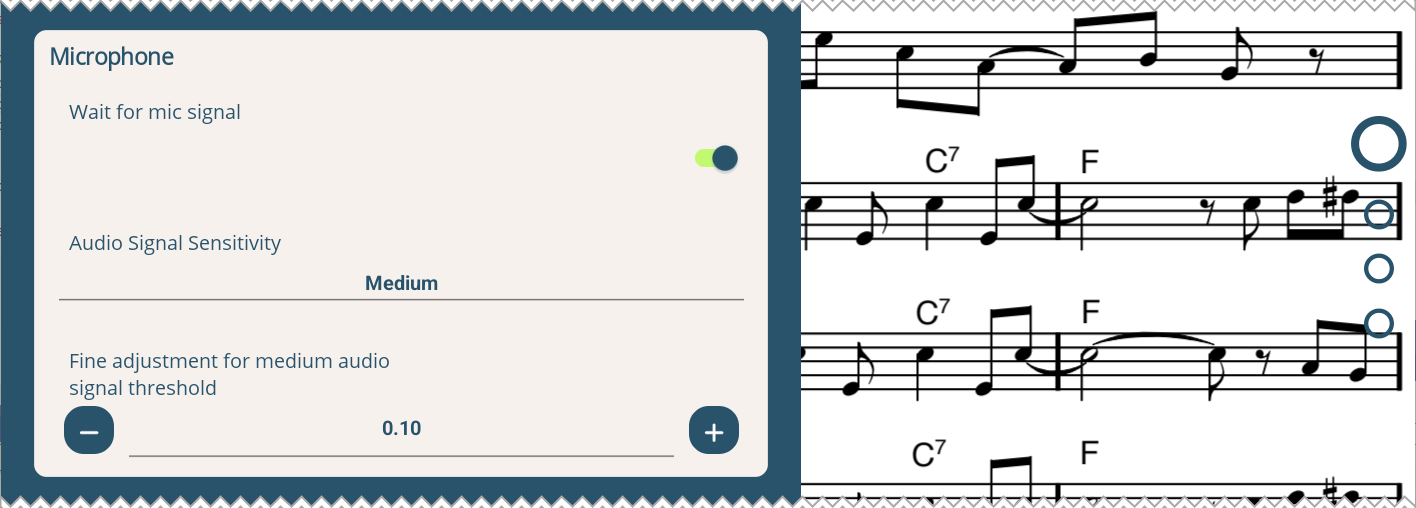
In case you want to start the metronome together with your instrument, you can enable the option Wait for mic signal in the Get Ready... dialog after you pressed or in the Basic Settings . The metronome will then start as soon as a signal is detected on the microphone.
You can adjust the sensitivity of the microphone in the Basic Settings .
If you want to fine-tune the sensitivity, select the Medium sensitivity level, and adjust the setting Fine adjustment for medium audio signal threshold.
To use this feature, the app needs permission to access the microphone. The app will ask for this permission when you use the feature for the first time.