Five Lines offers some simple yet effective features to help you find and organize your songs.
On the main screen, you can see two sections: "Recently Opened" and "All Songs".
"Recently Opened" shows the songs you have opened most recently, making it easy to quickly access your favorite pieces.
"All Songs" displays your entire song library in alphabetical order.
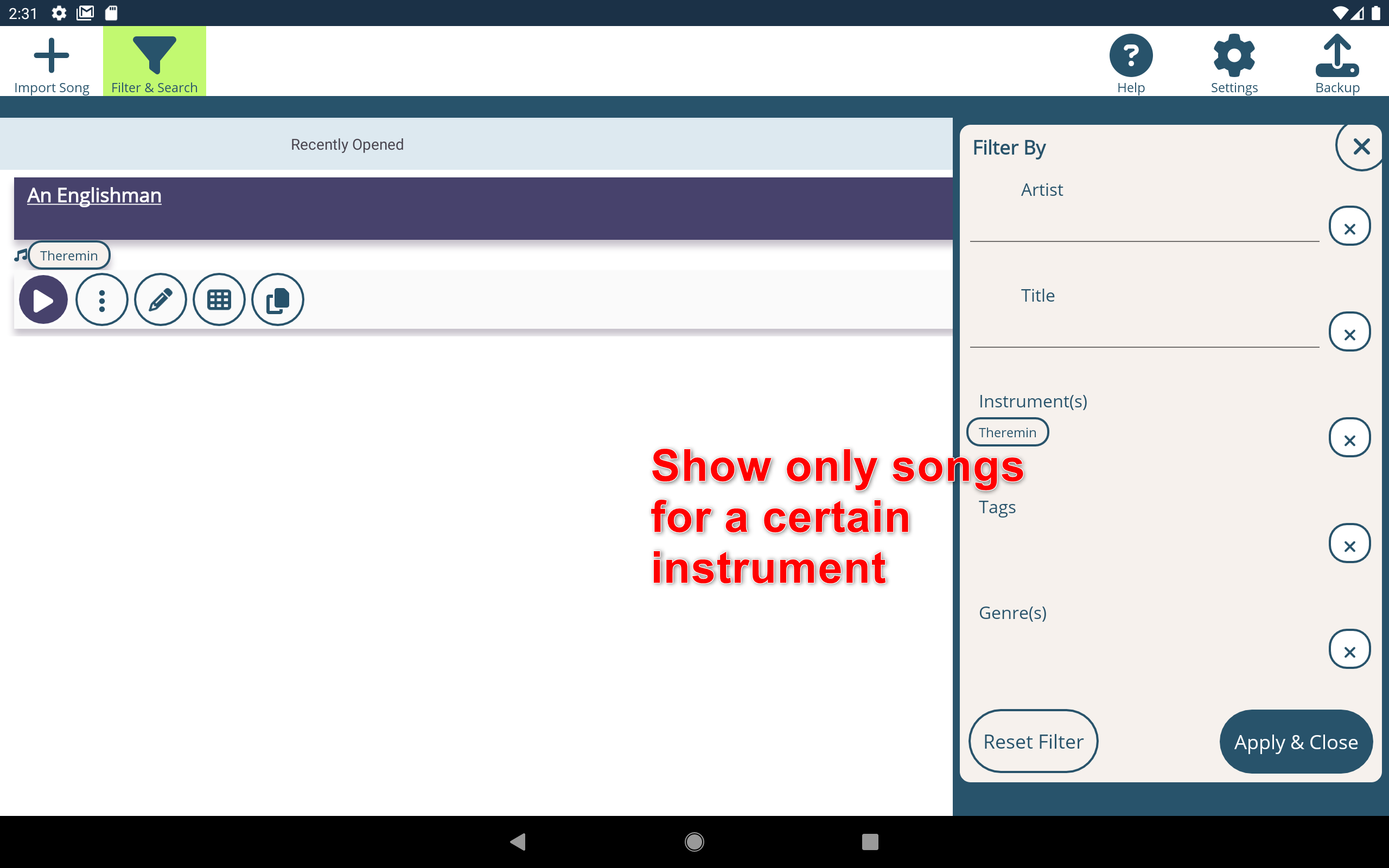
If you want to find a specific song, or list only certain songs, you can use the filter function  in the toolbar. The filter only affects the songs in the section "All Songs".
You can filter by a combination of the following criteria:
- Title
- Artist
- Genre
- Instrument
- Tags
All of these properties can be configured for each song. Every song can have multiple tags, genres and instruments.
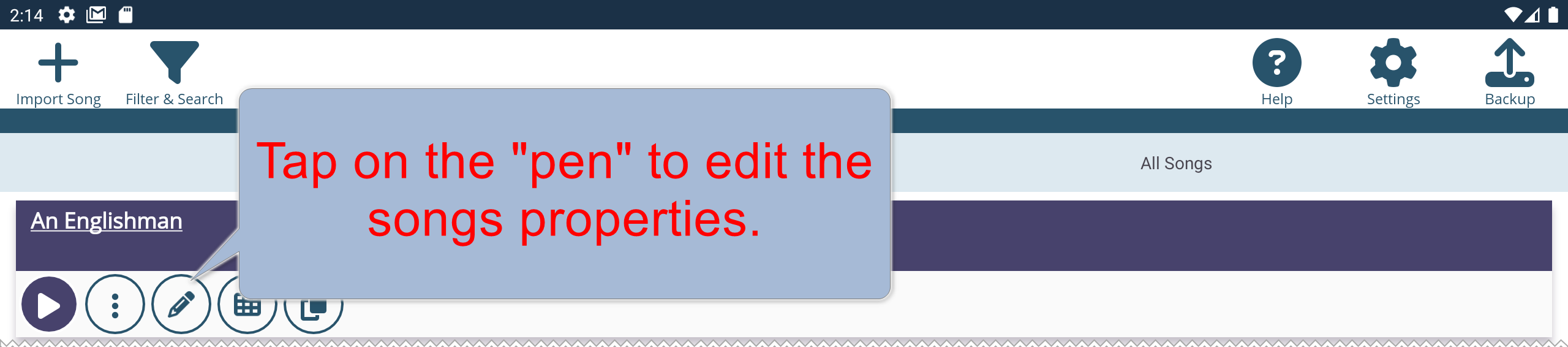
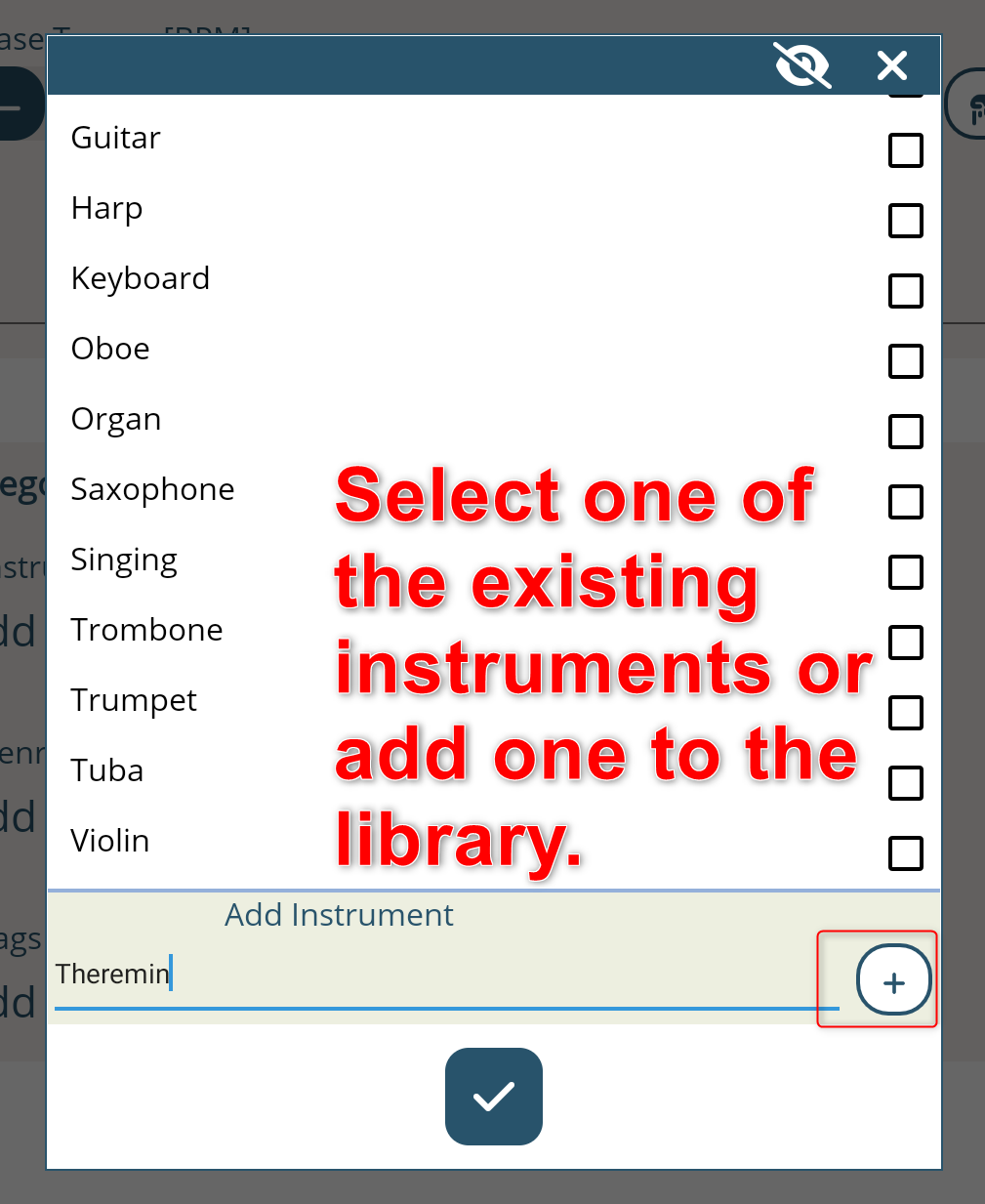
In the song properties dialog you can also add your own custom genres, tags and instruments, which can then be used for other songs too.
If the songs are filtered the header of the "All Songs" section changes to "All songs (Filtered)"
You can reset the filter by tapping again on "Filter & Search" in the toolbar and tapping on "Reset Filter".